Choose
Select your market
and timeframe.
Choose → Scan → Analyze → Act
How Qiro Works
Select your market
and timeframe.
Let Qiro read
the chart.
Review the analysis
and confluences.
Review your trade idea
or copy to MT5.
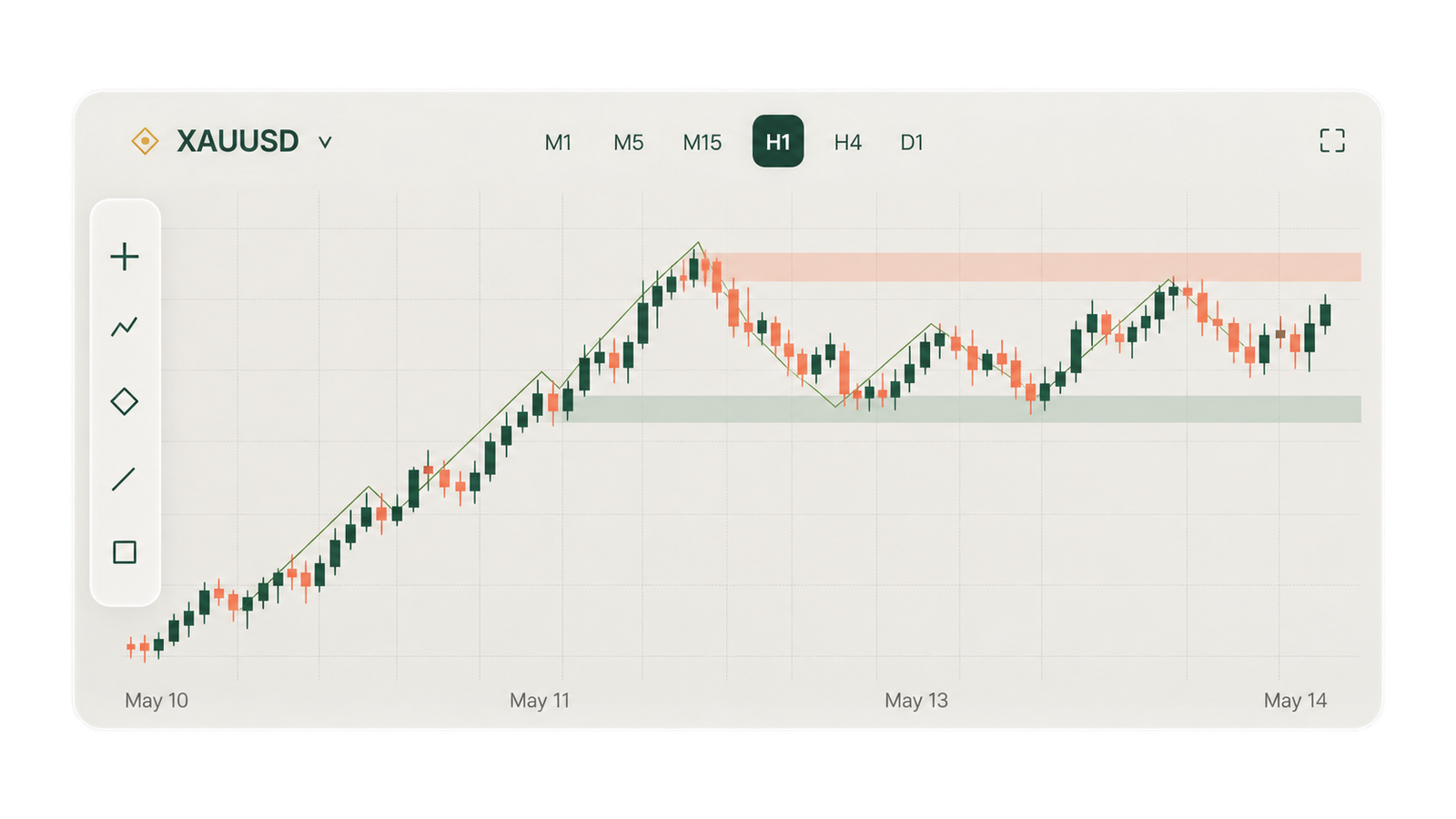
A complete breakdown of the chart,
with analysis and confluences.
Review the key details in one place.
Review the analysis, choose your lot size
and copy to MT5.
Analyze → Review → Copy to MT5
Explore the world's currency markets.
Explore digital asset markets.
 5M15M1H4H1D
Analyze the bigger picture
across multiple timeframes.
What does this chart tell me?
Your market and timeframe.
Let Qiro do the analysis.
Get a clear trade idea.
Analyze Forex, Crypto and more.
Get an instant AI analysis.
Choose and copy to MT5.
Launch the app on your device.
Select the asset you want to analyze.
Choose the timeframe for your analysis.
Review your trade idea or copy to MT5.
Qiro AI helps you analyze charts and review detailed trade ideas, with chart breakdowns and confluences.
Yes. Choose your market and select the timeframe you want to analyze. You can review a single timeframe or use multiple timeframes.
Yes. Connect your MT5 account in the Qiro app, review your trade idea, choose your lot size and use Copy to MT5.
Yes. You choose the lot size before copying a trade. Review the trade details and your risk before proceeding.
Qiro is available on Android. The iOS app is coming soon.